Guides
Short, practical answers for reading manga, manhwa and manhua on iPhone — with screenshots from the app.

How to auto-translate manga pages — including vertical JapaneseTurn on automatic translation for a whole manga chapter on iPhone: Japanese vertical text, Korean and Chinese, translated ahead of you, on the device.
How to download manga to read offline on iPhoneDownload manga and manhwa chapters on iPhone and read them without a connection: the next 5 or 10, or all of them, and downloads that never expire.
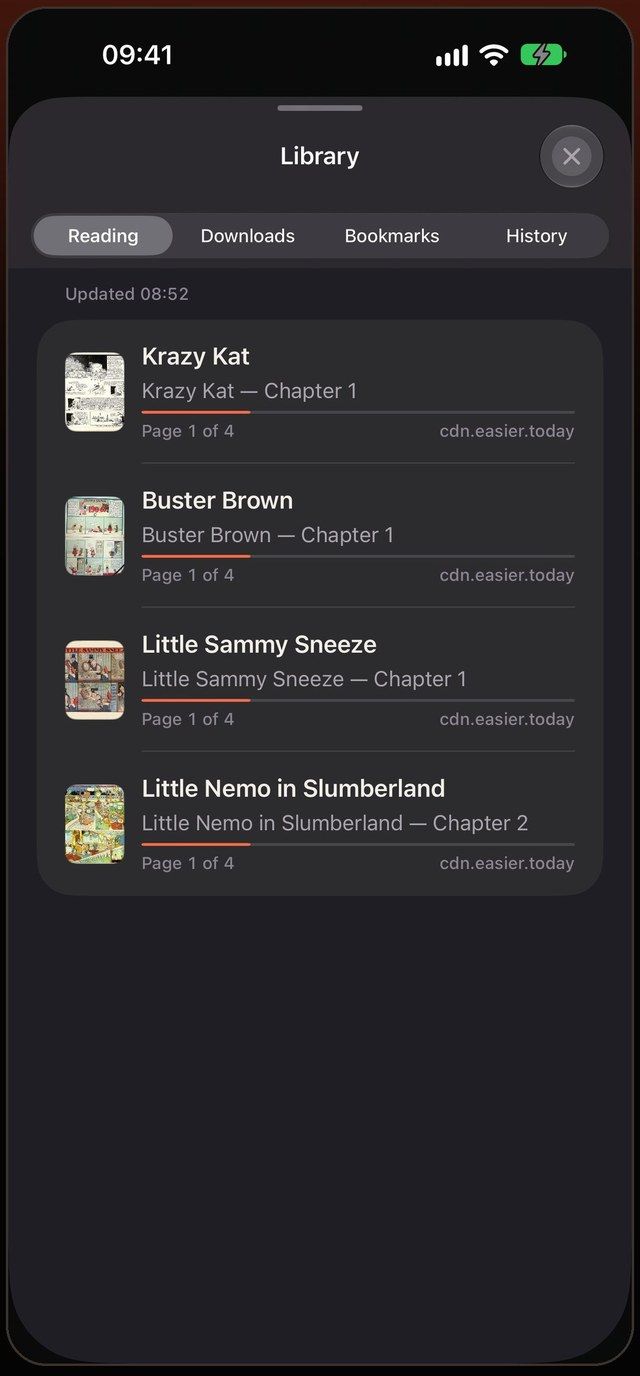
How to read manga on iPhone without losing your placeRead manga and manhwa from any site on iPhone with one library: progress saved on every site, new chapters marked, bookmarks, history and daily backups.
How to read manga without ads on iPhoneStop the pop-ups, redirects and full-screen ads on manga sites: use a browser with a built-in blocker and a reading mode that shows only the pages.
How to translate manhwa on iPhone — right inside the speech bubblesRead raw Korean manhwa in English on your iPhone: open the chapter, turn on translation, and the speech bubbles are rewritten in place. Free, on-device.
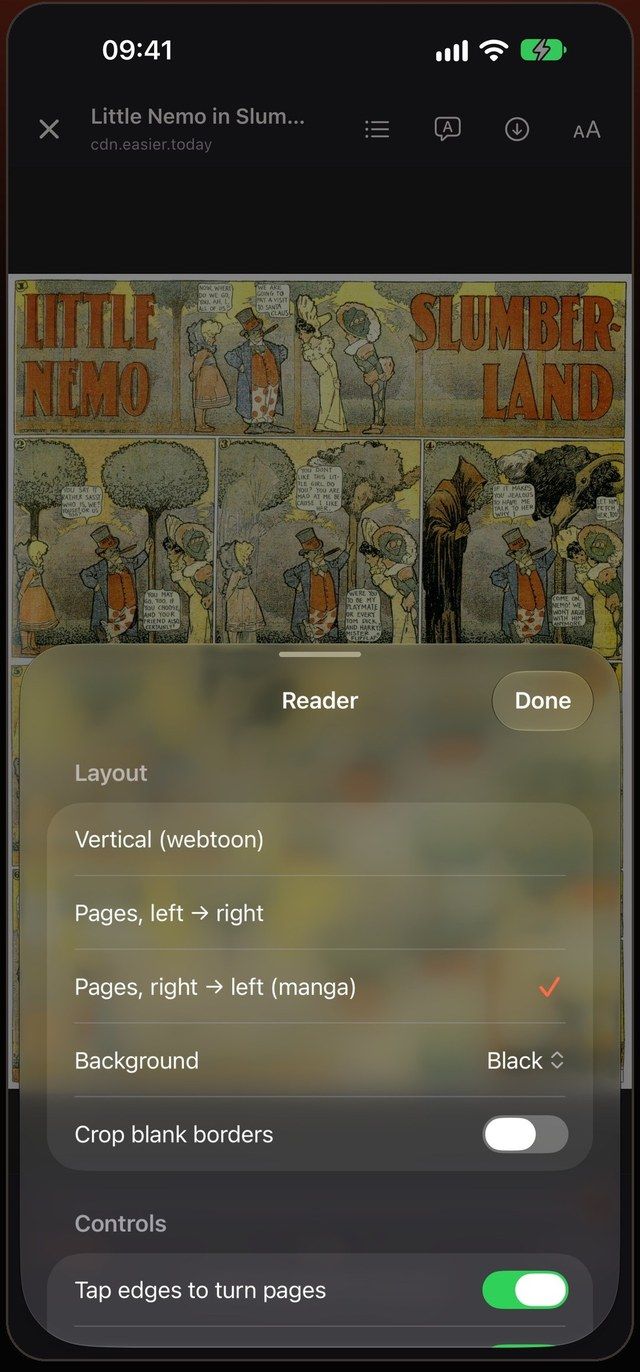
Webtoon vs manga vs manhwa: which way to read each oneManga, manhwa, manhua and webtoons are drawn for different formats: why manga reads right to left, why manhwa scrolls, and how to read each on a phone.