
Read manga and manhwa without ads, pop-ups or redirects
Mieru’s browser blocks the ads comic sites are known for, and Read Mode leaves nothing on screen but the pages.
 Coming soon to the App Store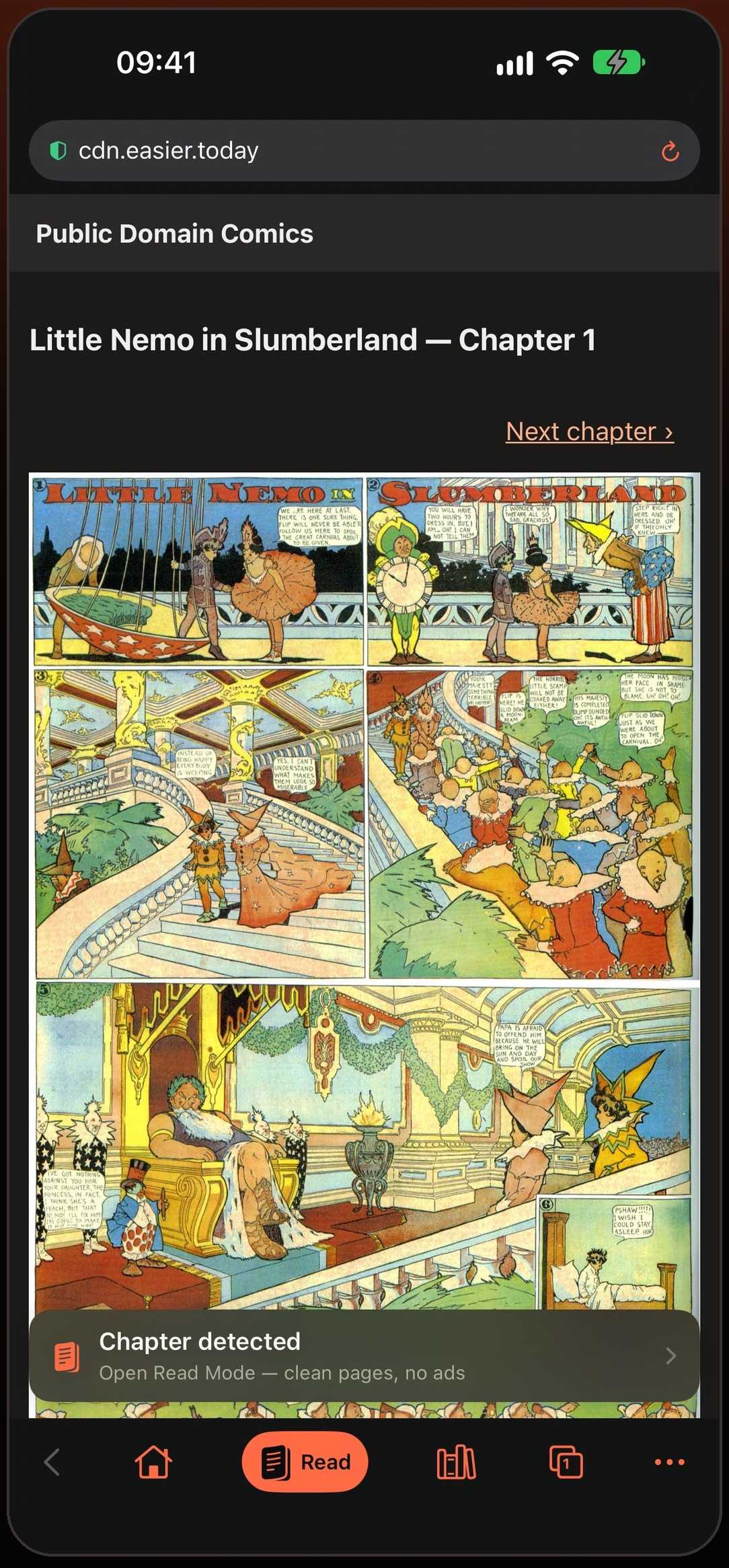
Why comic sites have the worst ads
Sites that collect manga and manhwa from many sources run on ad networks that pay for attention at any cost. That is where the tap that opens a casino in a new tab comes from, the fake close button that is really another ad, and the full-screen banner that jumps in just as you scroll to the next page. On a phone, where every tap lands somewhere, it is worse than on a computer.
Ads blocked across the whole browser
Comic sites pay for themselves with some of the worst ads on the web: pop-ups that open new tabs, redirects that throw you onto another site, and full-screen banners between pages. Mieru blocks them in its browser before they load.
The block lists include pop-ups and “download our app” banners that sites insert themselves, and they are updated in the background — new blocking rules reach you without an app update.
Read Mode shows the pages and nothing else
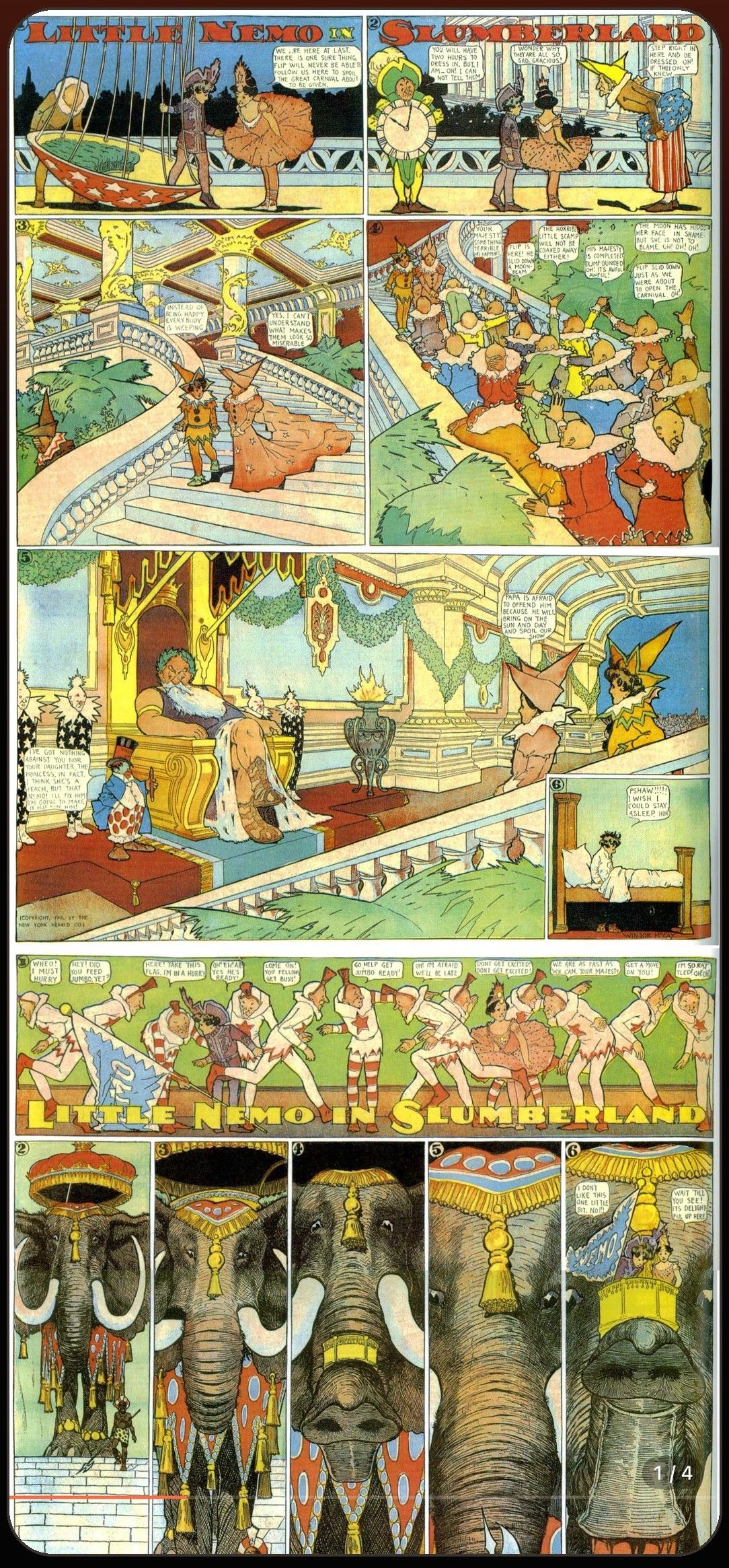
Even a site with no ads is busy: menus, comments, recommendations. Tap Read and the chapter’s pages move into Mieru’s own reader, where there is nothing on screen but the comic. An ad can’t appear in Read Mode because the website isn’t there any more.
What gets blocked
Banner and video ads, pop-up and pop-under windows, scripts that redirect you to another site when you tap, and the “install our app” overlays that some sites draw over their own pages. The address bar shows how many pop-ups were stopped on the page you are on.
If a site ever depends on something the blocker removes and stops working, you can turn ad blocking off for that one site from the address bar. It stays on everywhere else.
Faster, and lighter on data
Blocked ads are requests your iPhone never makes. Pages load sooner, scrolling stays smooth, and less of your mobile data goes on video ads you never wanted.
Nothing to set up
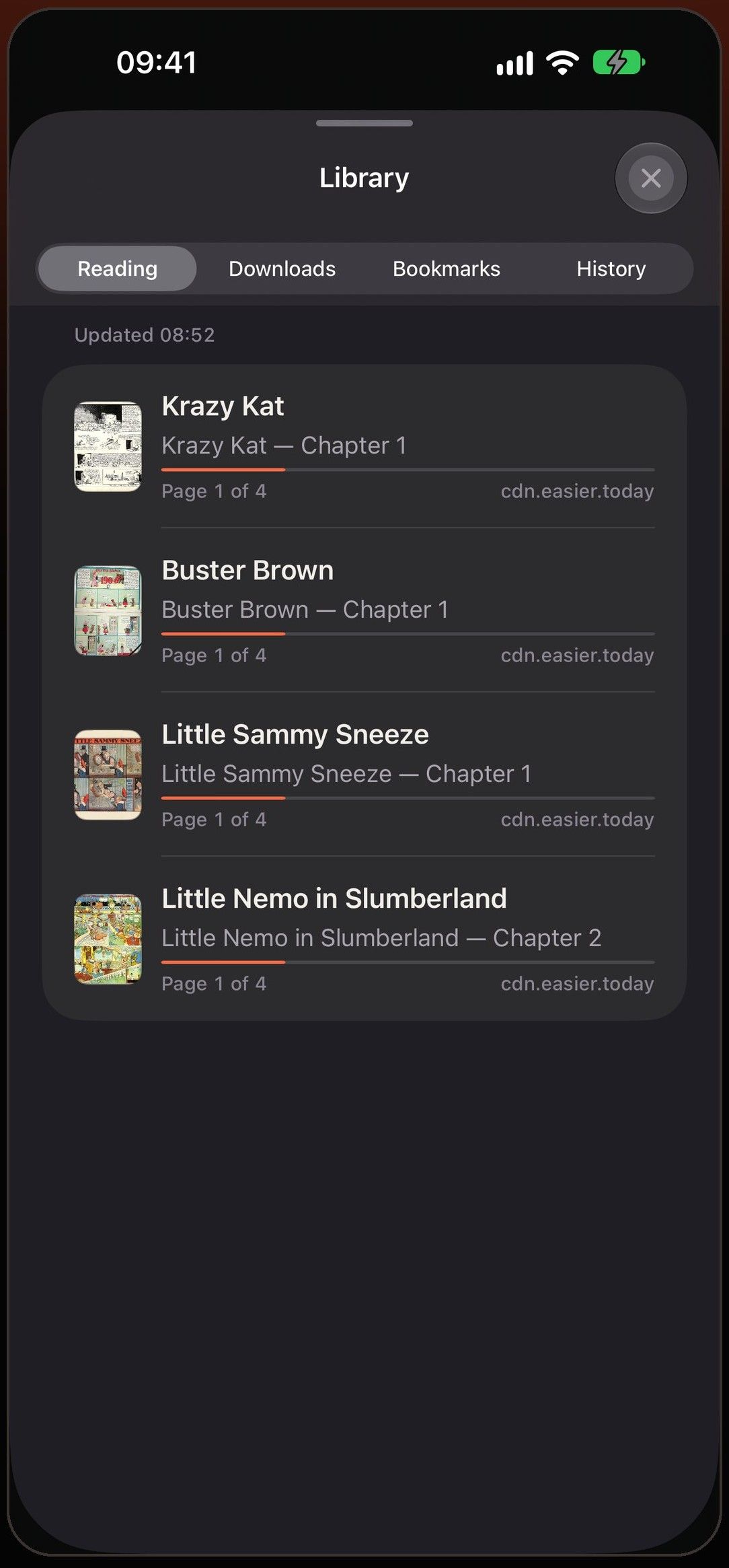
The blocker is on from the first launch. You don’t need an account or a list of filters to install, and your reading history and library stay on your device.
Questions
Does blocking ads hurt the sites I read?
Ads pay for some sites. When a series is published officially, reading it there is the best way to support the people who make it — Mieru opens official sites just as well.
Are ads blocked inside Read Mode?
There is nothing to block: Read Mode shows the chapter’s images in Mieru’s own reader, without the website around them.
Does it block ads in Safari too?
No. The blocker works inside Mieru’s own browser, where you read your comics.
A site still shows a pop-up. What can I do?
Email us the site address. Blocking rules are updated without an app update, so a fix can reach you quickly.
Can I turn it off for one site?
Yes. Open the blocking options from the address bar and turn ad blocking off for that site. Every other site stays blocked.
Is the ad blocker free?
Yes. Mieru is free, with no in-app purchases.
More in Mieru
Stop getting flashbanged by ads
Coming soon to the App Store