
Webtoon vs manga vs manhwa: which way to read each one
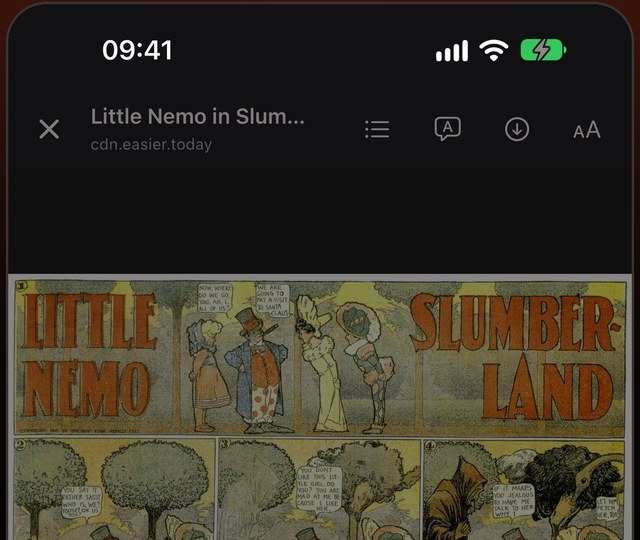
“Manga”, “manhwa”, “manhua” and “webtoon” get used as if they meant the same thing. They mostly describe where a comic comes from, but they also tell you how it was drawn to be read — and reading a comic in the wrong format makes it worse.
The short version
| Comes from | Drawn for | Read | |
|---|---|---|---|
| Manga | Japan | Printed pages in a book or magazine | Page by page, right to left |
| Manhwa | Korea | Mostly phone screens today | One long vertical strip |
| Manhua | China | Mostly phone screens today | One long vertical strip |
| Webtoon | Any, originally Korea | Phone screens | One long vertical strip |
“Webtoon” started as the name of a format — a comic made for scrolling — and is also the name of a large platform. Most modern manhwa and manhua are webtoon-format; older Korean and Chinese comics were printed pages like manga.
Manga: pages, right to left
Japanese is traditionally written top to bottom, right to left, and manga follows it: the spine is on the right, panels run right to left, and speech bubbles are read right to left too. Artists compose each page as a whole — a big reveal on a page turn, two-page spreads — so reading page by page keeps the pacing they designed.
Scanlations sometimes flip pages to read left to right. Flipping mirrors the art (everyone is suddenly left-handed) and is less common now.
Manhwa, manhua and webtoons: the scroll
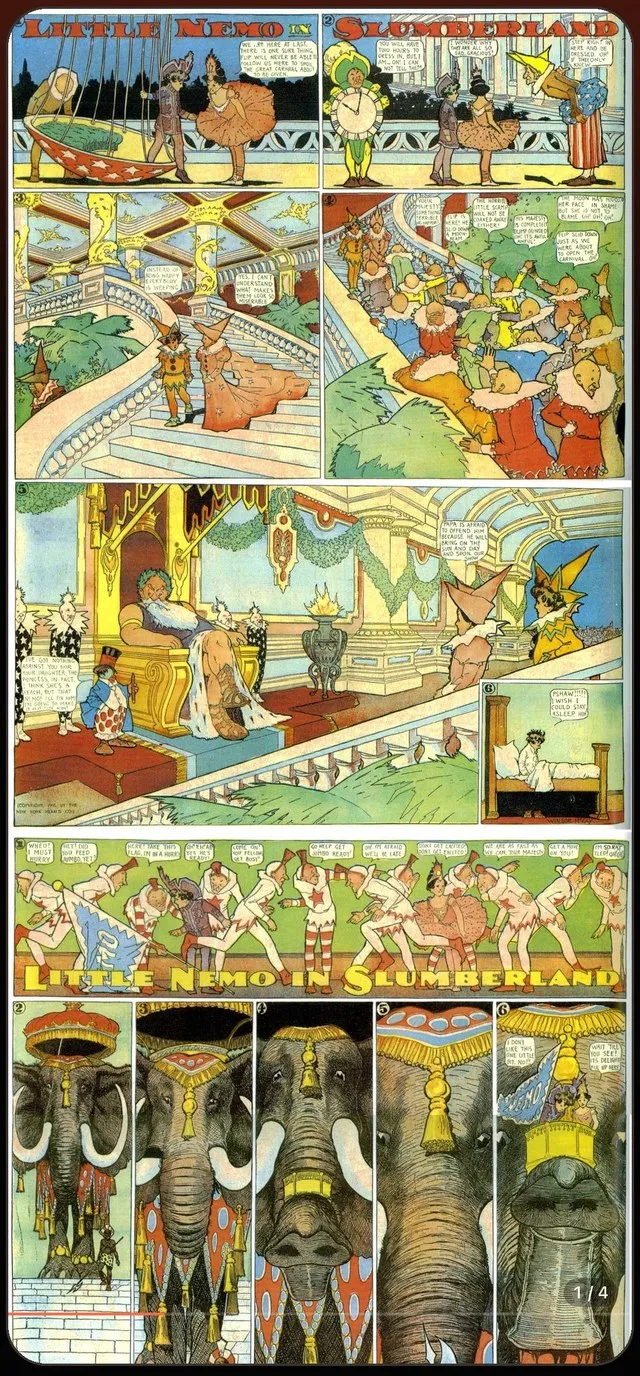
Webtoon-format comics are drawn as one tall column. The space between panels is part of the storytelling: a long empty gap is a pause, a panel that scrolls into view is a reveal. Cutting them into pages breaks that timing, so read them as a continuous vertical strip.
Reading each one on a phone
On a website you get whatever layout the site chose. In Mieru’s Read Mode you choose the layout per site, and Mieru picks a sensible default from the site and the language:
- Vertical (webtoon) for manhwa and manhua — the next chapter joins the bottom of the strip when you get near the end, so you keep scrolling.
- Pages, right to left (manga) for Japanese manga — swipe right to go forward.
- Pages, left to right for western comics.
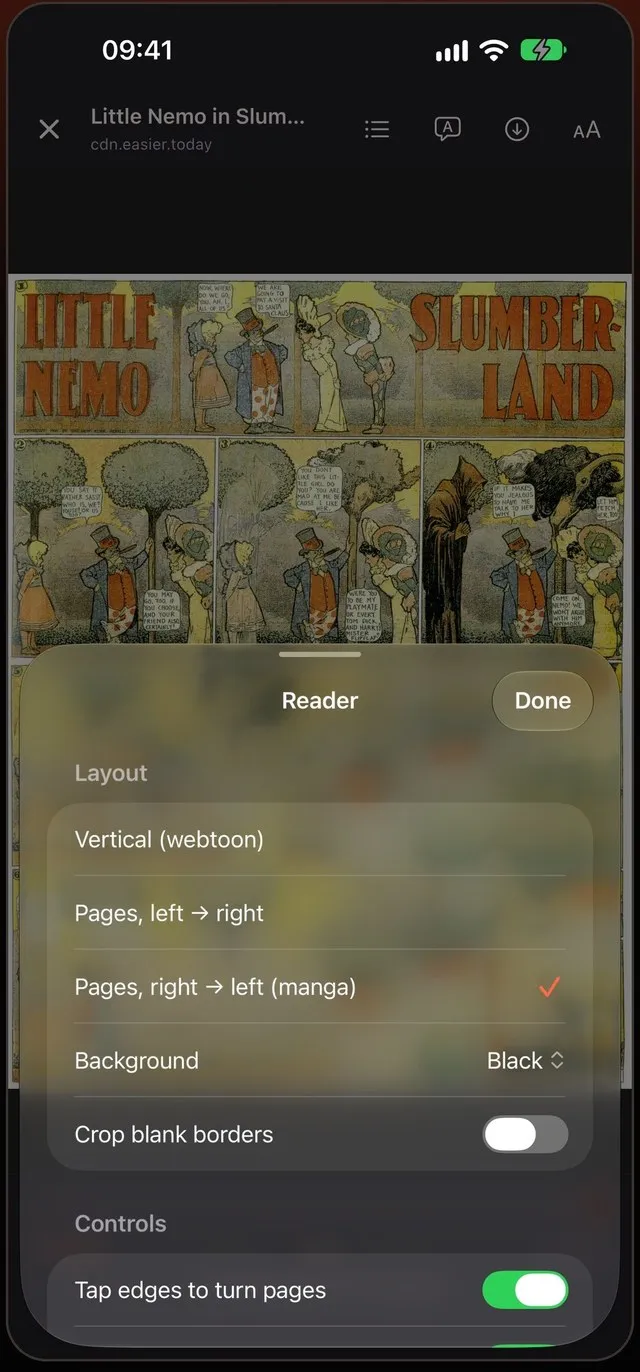
Change the layout once and turn on Remember for the site; every series there opens the same way.
Zoom, borders and small text
Printed manga pages scaled to a phone can have tiny lettering. Pinch or double-tap to zoom — it works in page mode and in the long strip. In page mode, Mieru can crop the blank borders of scanned pages so the art fills more of the screen.
Where the words come from
All three words are written with the same two Chinese characters, 漫画, meaning roughly “casual drawings”: manga is the Japanese reading, manhwa (만화) the Korean, and manhua the Chinese. In English they have come to mean comics from each country.
Colour and pacing
Most manga is black and white, with screentone for shading; colour pages are a treat saved for openings and covers. Webtoon-format manhwa and manhua are usually full colour, drawn digitally for screens, and released a chapter a week. Manga chapters are longer and released weekly or monthly in magazines, then collected into volumes.
Speech bubbles and reading order
In manga, bubbles on a page are read right to left, top to bottom, following the panels. In a vertical strip, bubbles are read top to bottom as they scroll into view. Translation in Mieru follows the same order for each format, and a Japanese page keeps its right-to-left flow after translation.
Which is “better”?
Neither. Page-based manga gives artists control over layout and page turns; scrolling webtoons are built for the phone in your hand. Read each the way it was drawn.
Read Mode — Vertical scroll or pages, right to left for manga.
 Coming soon to the App Store