
How to read manga on iPhone without losing your place
Reading on many sites has one quiet cost: you lose your place. A site changes its domain, your history is in three browsers, a series you were following goes quiet and you forget where you stopped. Here is a setup that keeps track for you.
Pick one browser for comics
Reading every site in the same app is what makes tracking possible. Mieru is a browser for comics, so it sees which chapter you open on which site and keeps one library for all of them — without an account and without sending your reading anywhere.
Your progress, on every site
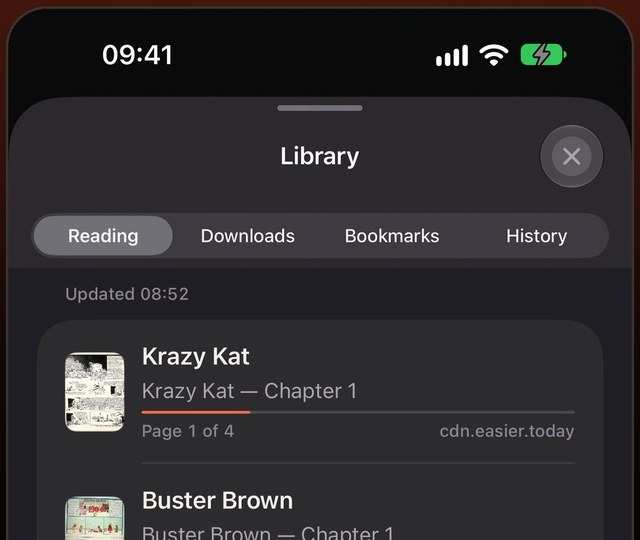
Open a chapter and tap Read. From then on the series is in your library, with the exact page you stopped on. Next time, tap the series and you are back on that page — even if you last read it offline.
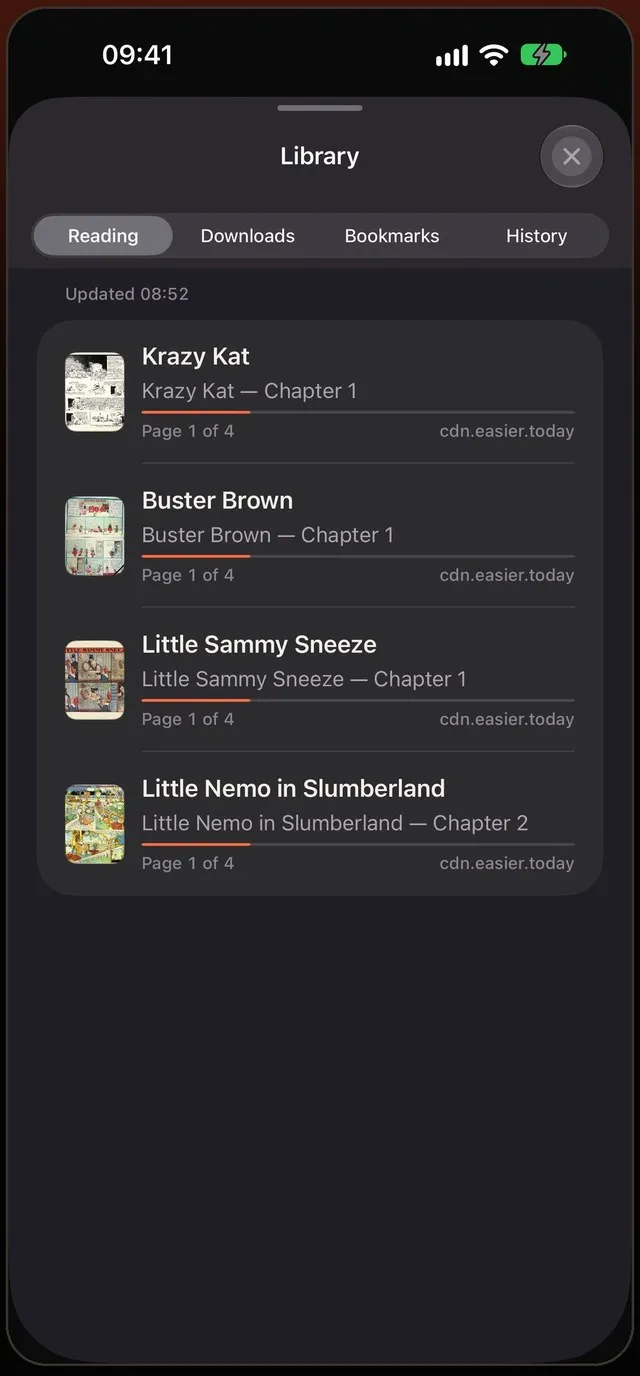
The library has four tabs:
- Reading — every series in progress, the most recent first.
- Downloads — chapters saved on the iPhone.
- Bookmarks — pages you saved.
- History — chapters you opened, in order.
New chapters, marked
When you open Mieru, it checks the sites of the series you follow and marks the ones with new chapters. If the site lists its chapters, you see the exact number; otherwise a New badge. Series with something new move to the top of Reading, and tapping the badge opens the first chapter you haven’t read.
Checks happen when the app is open, a few series at a time and no more than every 30 minutes per series, so busy sites aren’t hammered.
Move between chapters without the website
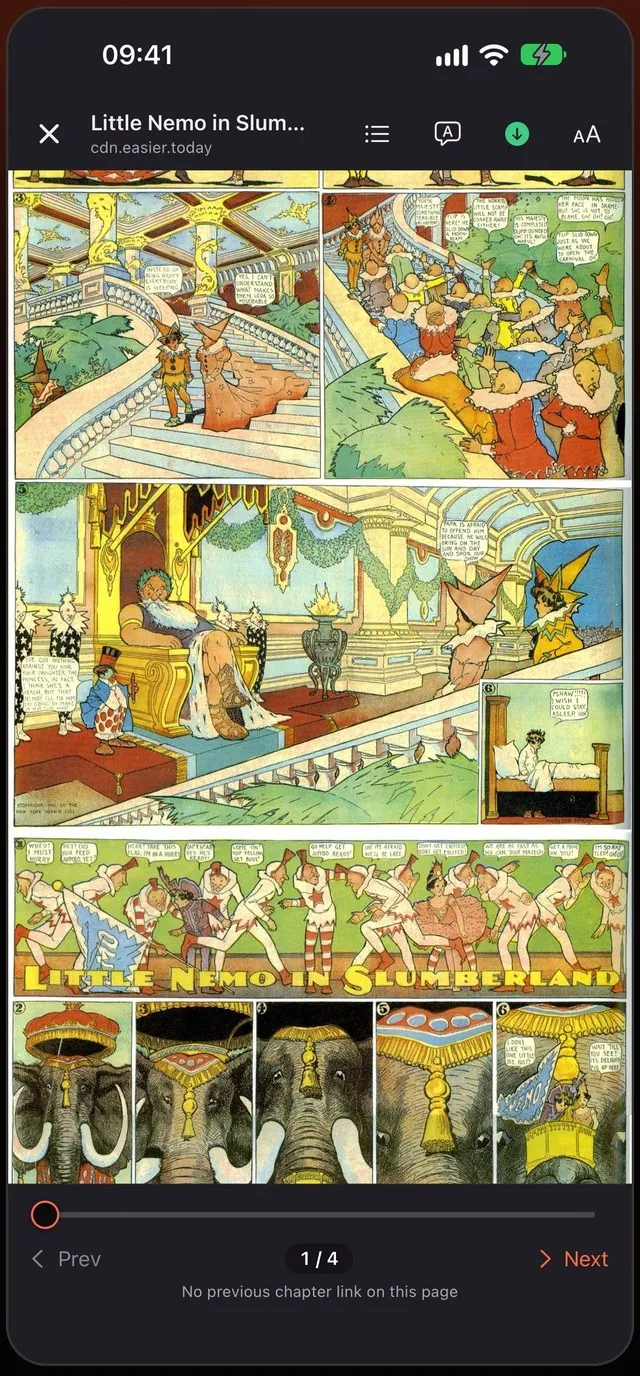
Inside Read Mode, next and previous chapter are one tap away, and the chapter list shows the site’s list of chapters with the one you are reading highlighted. In vertical mode, the next chapter simply joins the bottom of the strip.
When a site moves or disappears
Your library keeps the series, your progress and any downloaded chapters even if the site changes its address or goes away. Downloaded chapters stay readable.
Never lose the library
Once a day, when you open the app, Mieru saves a backup of the library and keeps the last seven. Choose a folder in iCloud Drive or On My iPhone to keep a copy that survives deleting the app. You can also export the whole library to a file and import it on another iPhone or iPad.
Safari, a reader app, or a comic browser?
- Safari reads every site but keeps no list of what you read beyond history, and shows the full site around the pages.
- Reader apps with sources or extensions keep a tidy library, but depend on each source being maintained; when a site changes, the source breaks until someone fixes it.
- A comic browser like Mieru reads the sites directly, the way Safari does, and keeps a library on top. When a site changes, you can still open it in the browser, and site support is updated without an app update.
Small habits that help
- Bookmark a page, not just a series, when you want to come back to a particular scene.
- Use History to find a chapter you opened from a link and forgot to add.
- Follow the series you read weekly so they are checked for new chapters; one-off reads don’t need to be.
A reading setup in five minutes
- Install Mieru and open the sites you read.
- Open a chapter of each series you are following and tap Read.
- Set the layout for each site once — vertical for manhwa, right to left for manga.
- Choose a backup folder in Settings.
- Next time, start from the library instead of your browser history.
Offline and library — Downloads that never expire, one library for every site.
 Coming soon to the App Store