
Translate manga and manhwa right inside the bubbles
Read raw Korean, Japanese and Chinese chapters in your language. Mieru rewrites each speech bubble on the page, on your iPhone, with no coins and no quota.
 Coming soon to the App Store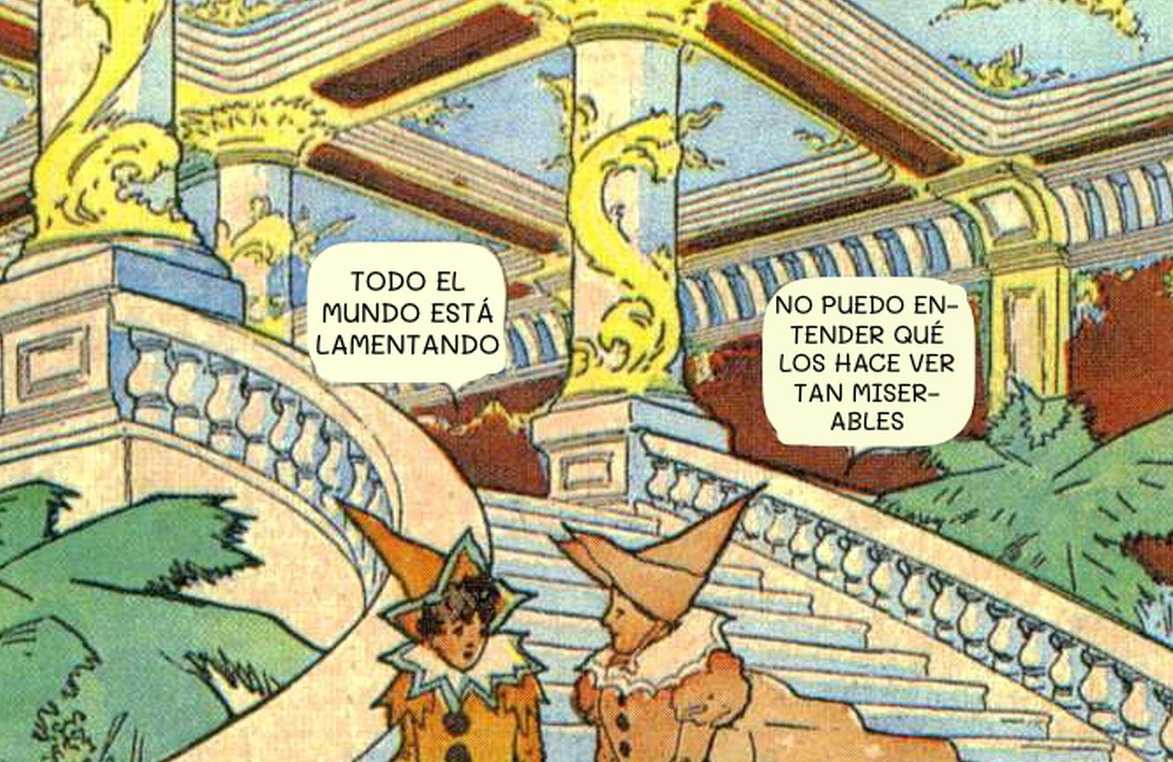
The translation goes where the words were
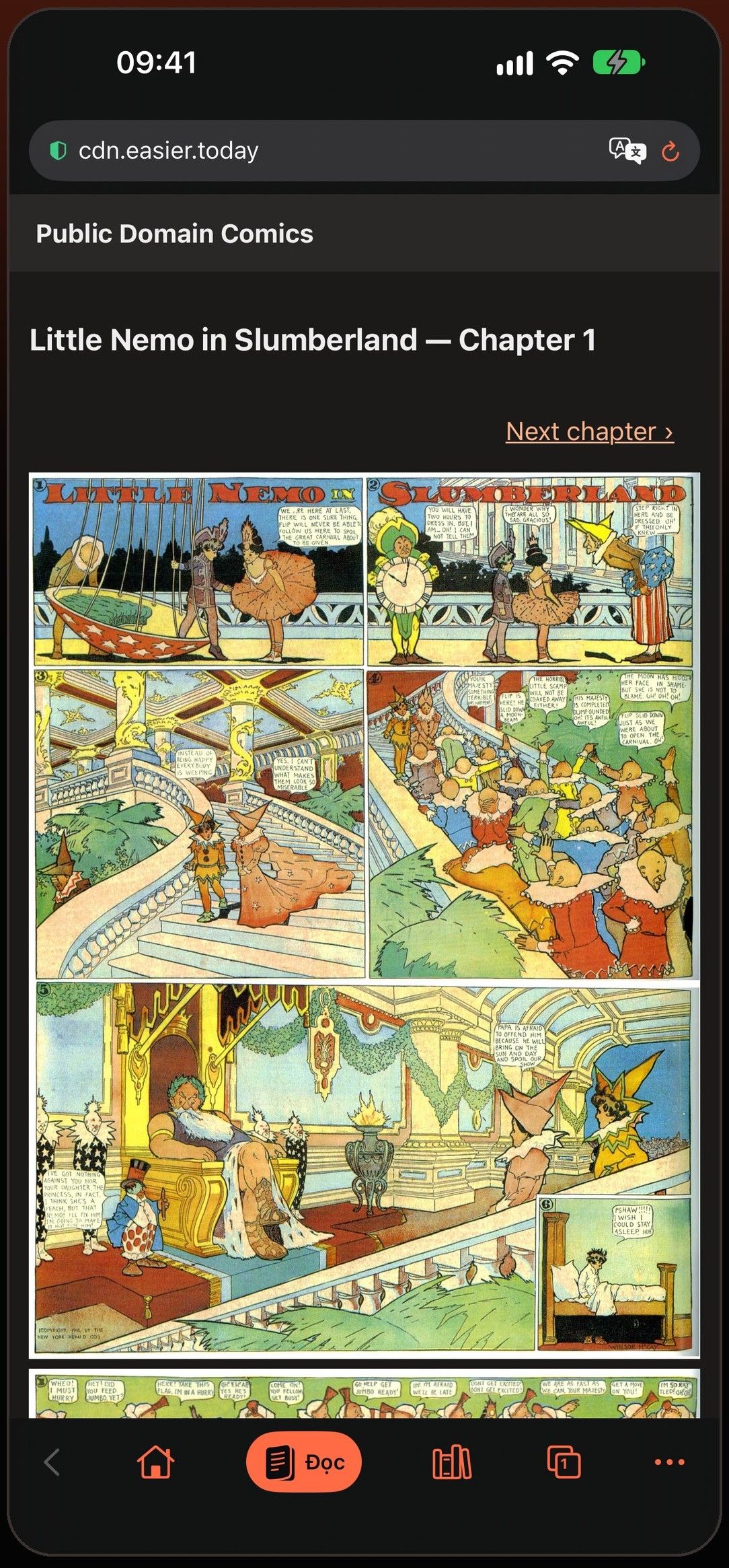
Most translator apps give you a list of lines under the page, or a screenshot you have to leave the comic for. Mieru finds each speech bubble on the page, reads the text inside it, and writes the translation back into the same bubble.
The new lettering is sized and weighted to match the original — a shout stays bold, a whisper stays small — and only the text area is painted over, so the shape and border of the bubble stay as the artist drew them.
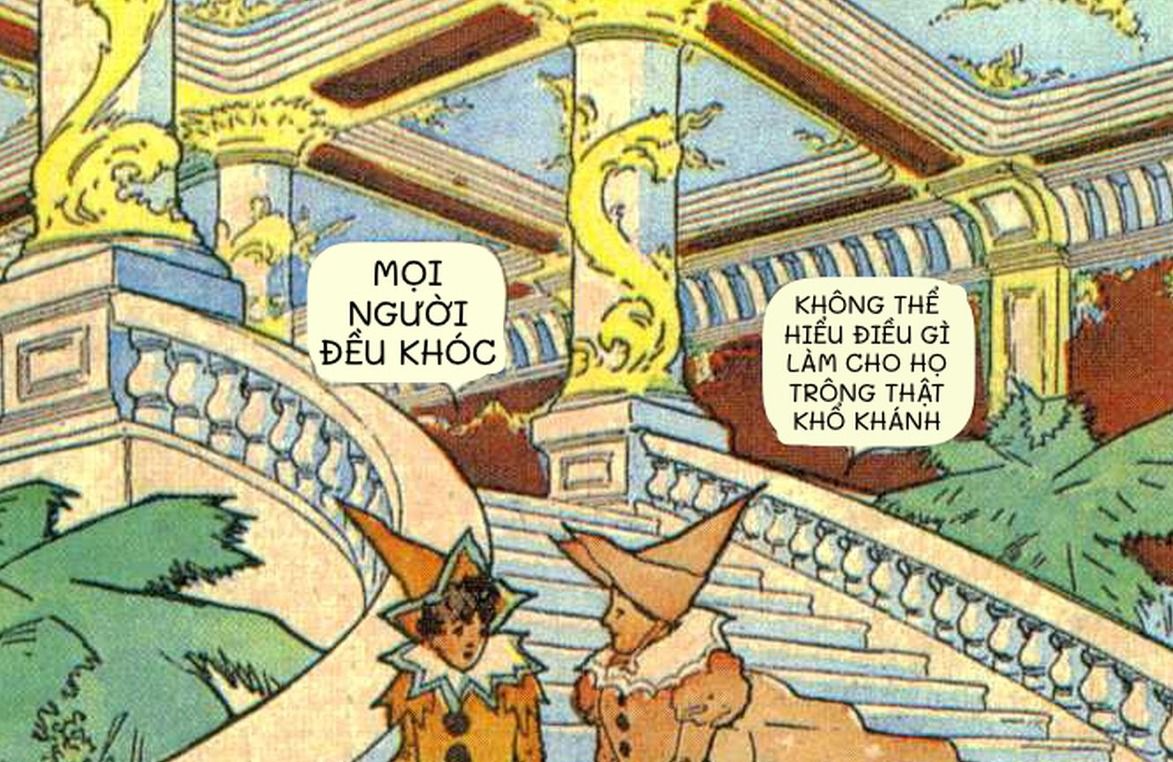
Korean, Japanese and Chinese raws
Mieru reads Korean manhwa, Japanese manga — including vertical text, with a reader trained for manga lettering — and Chinese manhua. English originals can be translated too. Japanese needs a one-time download of that reader the first time you use it.
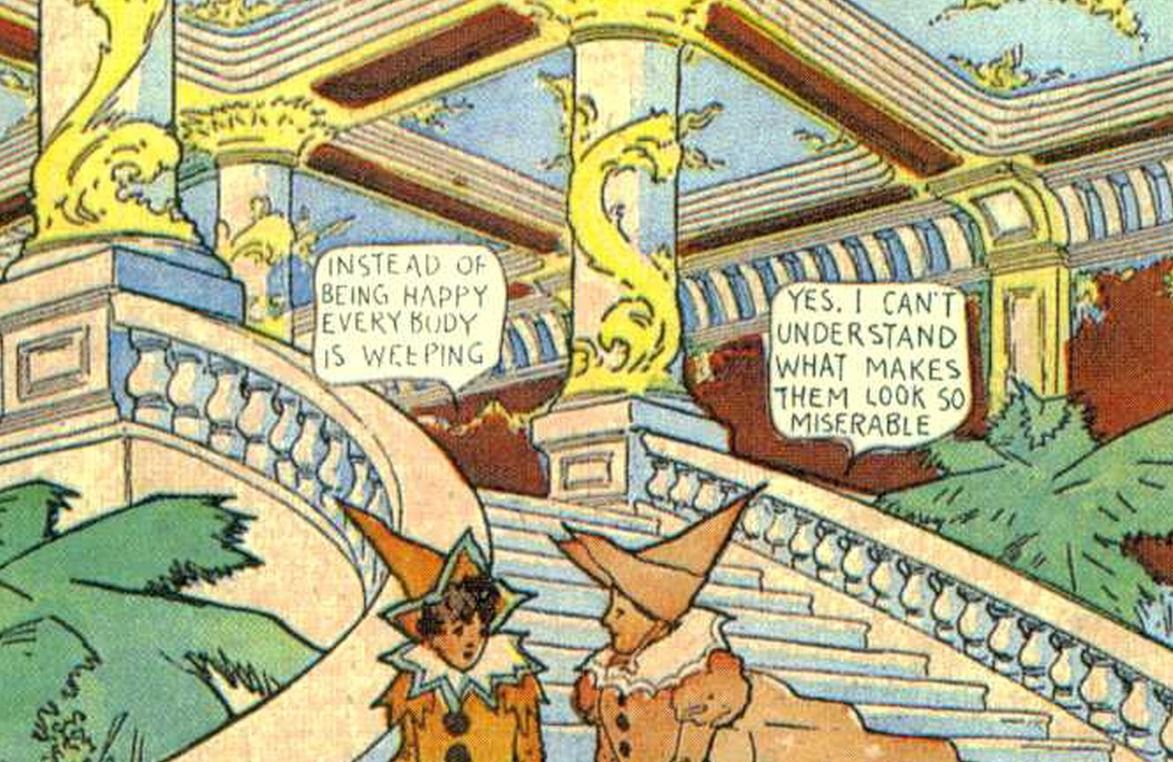
You can read in English, Vietnamese, Spanish and the other languages Apple’s translation supports. Mieru works out the language of each site on its own; if it guesses wrong, set “Translate from” once for that site and it stays.
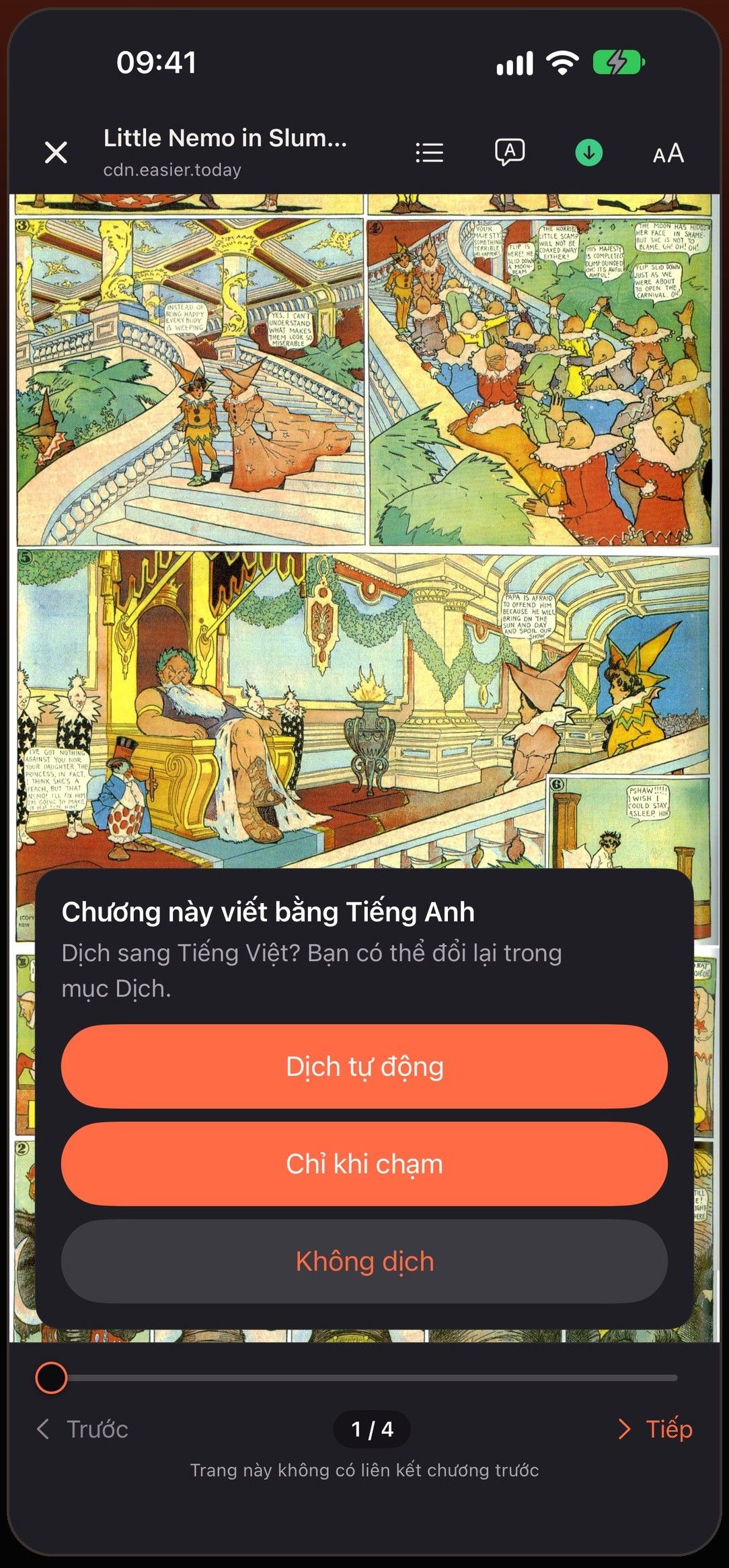
Automatic, on tap, or off — per site
The first time you open a chapter in another language, Mieru asks once how you want it: translate automatically, translate only when you tap a bubble, or don’t translate. The choice is remembered for that site.
In Automatic, the whole chapter is translated ahead of where you are reading, starting from the page on screen. When you are most of the way through, the first pages of the next chapter are prepared too, so you don’t sit waiting.
In On tap, the page is left as it is. Tap a bubble to see the original next to the translation.
Names stay the same from chapter to chapter
Machine translation tends to spell a character’s name three different ways. Each series in Mieru has its own glossary: fix a name or a term once from the bubble you tapped, and every later page uses your version. Glossaries are included when you export your library.
On your iPhone, with no quota
Translation runs on the device with Apple’s built-in translation. There are no coins, no daily limit and no account, and the pages you read are not uploaded anywhere to be translated.
The first time you translate a new language pair, iOS may ask to download that language. After that it works offline, including on chapters you have downloaded.
Web pages too, from the address bar
Series descriptions, chapter lists and comments are often in the same language as the raw. When a page isn’t in your language, a translate button appears in the address bar. Tap it to translate the text of the page, or turn on “Always translate” for that language.
What to expect
Translating inside the pages needs iOS 18 or later. Machine translation can make mistakes, and heavily stylised sound effects drawn into the art are not always detected. Translating between Simplified and Traditional Chinese isn’t supported by Apple yet.
Questions
Is the translation free?
Yes. Mieru uses Apple’s translation on your device, so there is no per-page cost, no coins and no limit.
Can I translate a manhwa raw into English?
Yes. Open the chapter on the site you read it on, tap Read, and choose Automatic. Korean bubbles are rewritten in English as the chapter loads.
Does it work with Japanese vertical text?
Yes. Japanese pages use a text reader built for manga lettering, which reads vertical columns right to left.
Why is a page marked “Not translated”?
The image couldn’t be loaded, or the language pack isn’t downloaded yet. Tap the page to try again; Mieru retries failed pages on its own twice.
More in Mieru
Read the chapters that were never translated
Coming soon to the App Store